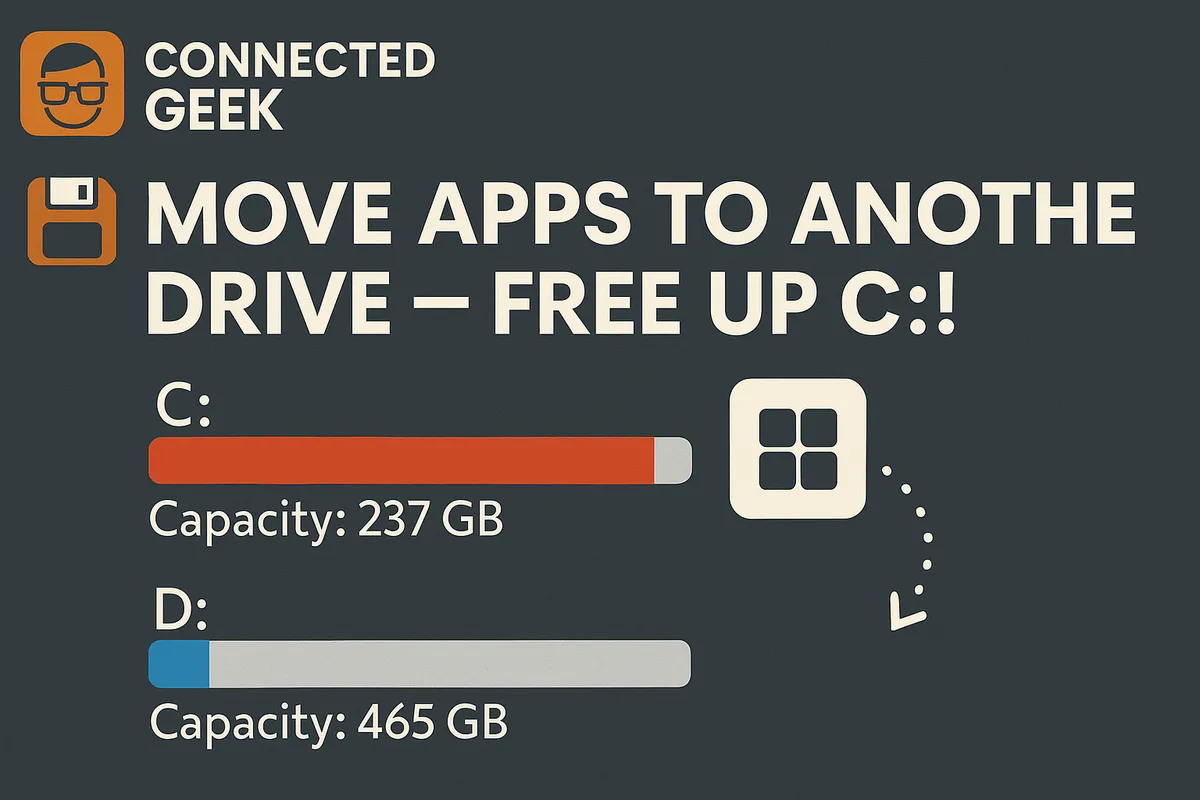
Move Apps to Another Drive in Windows 11 to Free Up C: Drive Space
Published on: 19/05/2026
Running low on your C: drive? Move large apps and games to another drive via Settings → Apps → Installed apps → Move — they keep working exactly as before.
Windows 11move appsfree up spacestorage managementC: drivePC performance